Est-ce que cela a été utile ?
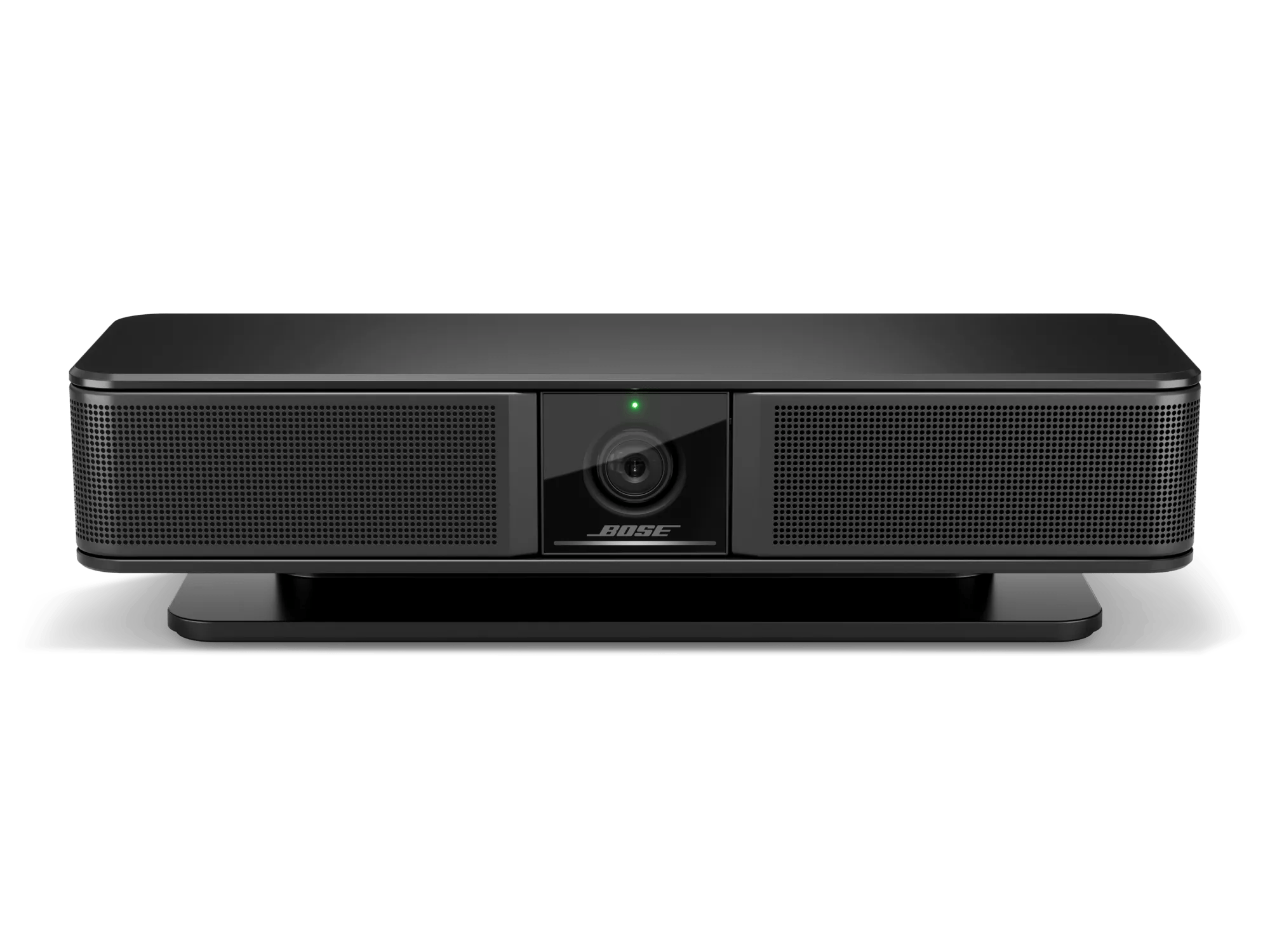
Réinitialiser votre produit | Bose Videobar VB-S
Souhaitez-vous réinitialiser votre produit ou restaurer ses paramètres par défaut ?
- RéinitialiserUne réinitialisation corrige les erreurs mineures du processeur. Sauf indication contraire, les réglages du produit ne sont pas perdus lors d'une réinitialisation.
- Restaurer les paramètres d'usine: Ceci ramène votre produit à sa configuration d'usine par défaut. Sauf indication contraire, tous les réglages sont supprimés et remis dans leur état d'origine, comme lors de la première utilisation. Par la suite, votre produit peut être configuré comme lors d'une première installation.
To reset the videobar using the on-board controls:
- Disconnect the power cord from the videobar.
- When power is reconnected, wait 30 seconds for the system to reboot.
To reset the videobar to its factory default settings using the on-board controls:
- Press-and-hold the Mute button and the Bluetooth button on the videobar simultaneously for five seconds.
- The light bar will pulse white repeatedly. The lights will then move outward from the center until the whole light bar is lit solid white and then turn off in the same pattern. When this process is completed, the videobar will restart with its factory default settings.
To reset the videobar to its factory default settings using the remote control:
- Press-and-hold the Home button and Autoframe buttons simultaneously for five seconds.
- The light bar will pulse white repeatedly. The lights will then move outward from the center until the whole light bar is lit solid white and then turn off in the same pattern. When this process is completed, the videobar will restart with its factory default settings.