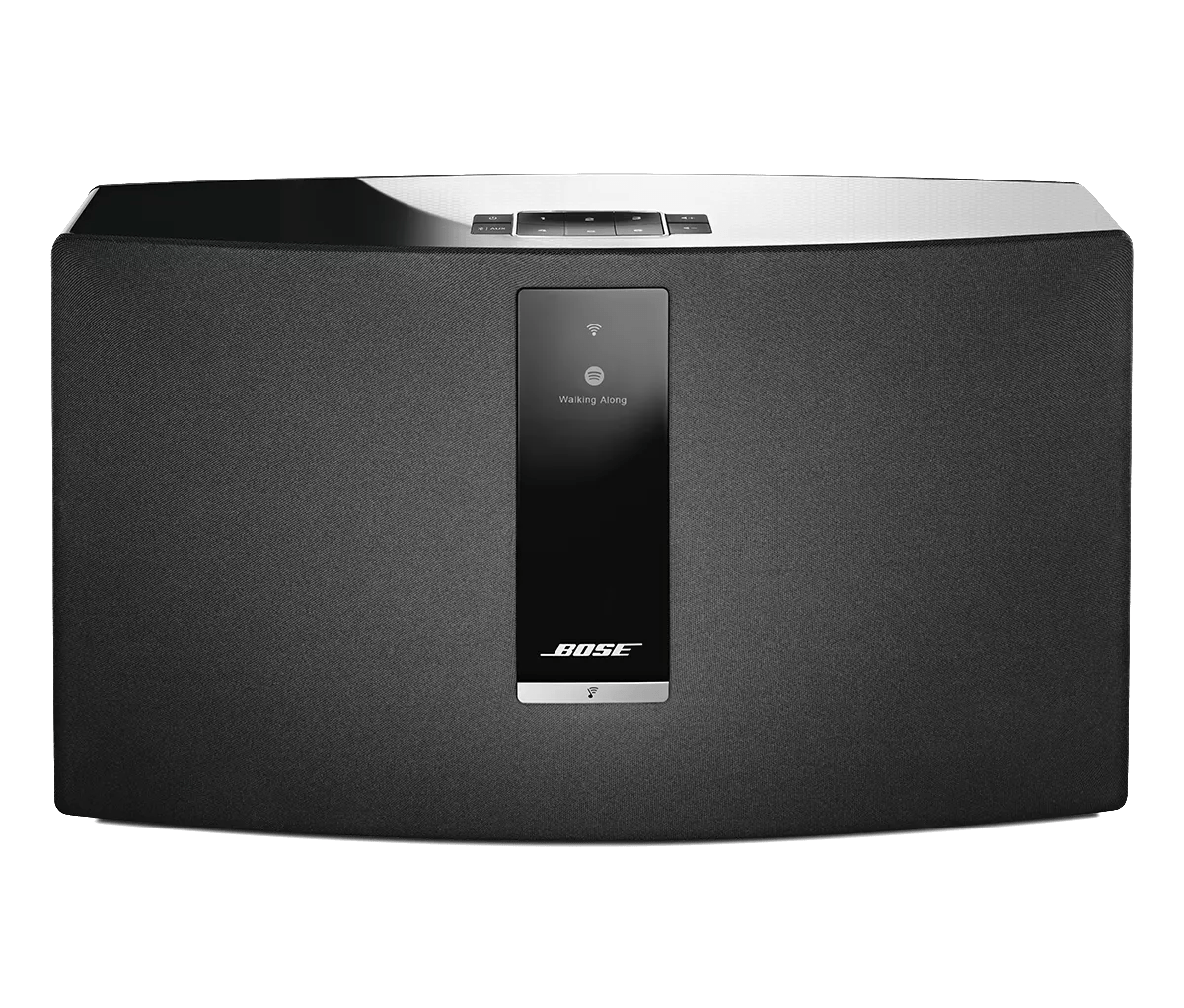
Determining the MAC address | SoundTouch® 30 series III wireless speaker
soundtouch®-30-series-iii-wireless-speaker
SoundTouch® 30 series III wireless speakerVendu à partir de 2015 - 2020

Determining the MAC address | SoundTouch® 30 series III wireless speaker

Pour afficher l'adresse MAC du produit :

Remarque : Il existe trois adresses MAC pour votre produit.
  1. Sur le dessus de votre produit, maintenez les  boutons 5 et Volume - enfoncés : maintenez enfoncé pour afficher les informations système et un compte à rebours à partir de 5 commence

    \"Holding

  • Une fois le compte à rebours terminé, relâchez les boutons : ADRESSE MAC apparaît sur l'écran du système
  • Appuyez sur le bouton Volume - pour faire défiler les trois adresses MAC :
    1. 1,1 adresse MAC WiFi 1: identifie votre produit sur un réseau sans fil
    2. 1,2 adresse MAC WiFi 1: identifie le produit lorsque je diffuse son réseau de configuration
    3. 1,3 adresse MAC Ethernet: identifie votre produit sur un réseau filaire
  • Appuyez sur le bouton Marche/Arrêt pour quitter le menu.

To obtain the MAC address of the system using a tethered USB connection, follow these steps:

This method requires a computer (PC or MAC) and will work on all SoundTouch SM1 and SM2 products. It does not require us to determine the IP address of the system on the network
  1. In the SoundTouch computer app, begin the setup process (Settings > Add or Reconnect System)
  2. When you reach the "Connect to home Wi-Fi network" screen, choose "System Information" to view the system's MAC address


To obtain the MAC address of the system using a tethered USB connection, follow these steps:

This method requires a computer (PC or MAC) and will work on all SoundTouch SM1 and SM2 products. It does not require us to determine the IP address of the system on the network.
  1. Connect a USB cable from your computer to the SoundTouch system
  2. On a desktop/laptop computer, open a browser and go to http://203.0.113.1:8090/info
  3. The following info will be shown:
    1. System Name
    2. System Type
    3. SoundTouch Account Number
    4. Firmware Version
    5. SCM Serial Number
    6. System Serial Number
    7. SoundTouch Controller Information (if connected)
    8. SCM Information (MAC Address, Serial Number)
    9. SMSC Information (MAC Address, Serial Number)

Pour afficher l'adresse MAC du produit dans l'application SoundTouch :

  1. Dans le menu de l'application SoundTouch, appuyez sur Paramètres
    Astuce : pour ouvrir le menu de l'application, appuyez sur l'icône de menu ☰ dans le coin supérieur gauche

    \"Main

  • Appuyez sur À propos, puis sélectionnez un système

    \"Settings \"About

    L'écran Détails du haut-parleur affiche les informations du système sélectionné.

    \"Speaker

Est-ce que cela a été utile ?

YES
NO
COMMENCER LA RÉPARATION OU LE REMPLACEMENT