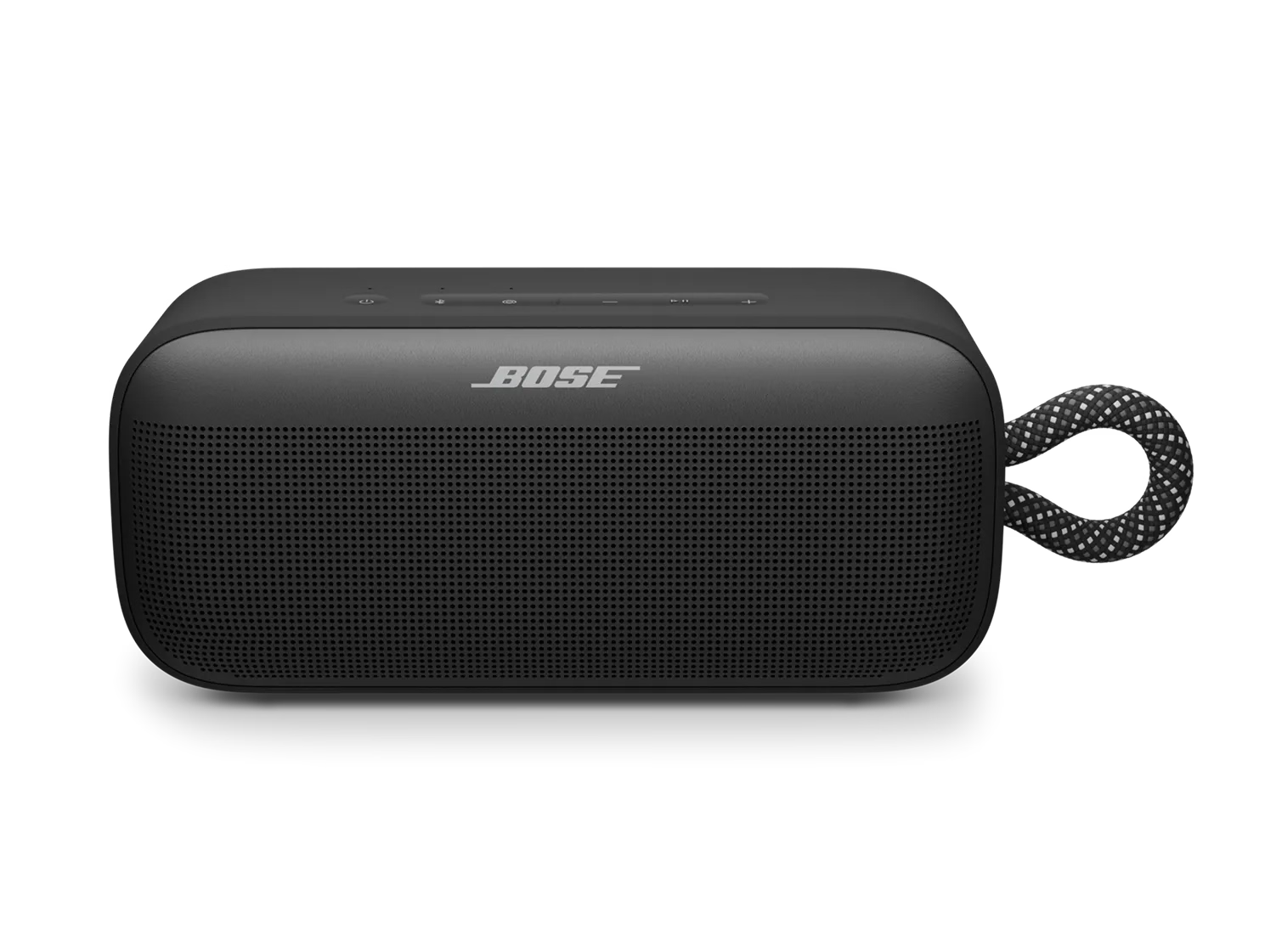


If your speaker hasn’t been used for a while, it may enter battery protection mode. To exit this mode:
Pour allumer ou éteindre votre produit, appuyez rapidement puis relâchez le bouton Alimentation . Maintenir le bouton Alimentation même brièvement permet de vérifier le niveau de charge de la batterie, sans allumer ou éteindre votre produit.
Une réinitialisation actualise les paramètres internes de votre enceinte et peut aider à résoudre des problèmes mineurs.
Vos appareils précédemment connectés ne seront pas supprimés.
Check the charging port for any debris or damage. Ensure that the charging cable is functioning by testing it with another device or using a different cable to charge the speaker.
Essayez de connecter votre produit avec un autre câble et/ou une autre source d’alimentation, comme un ordinateur, un chargeur USB ou une prise électrique.
Quel que soit le problème que vous rencontrez avec votre produit, essayez de le mettre à jour. Rendez-vous sur btu.Bose.com et suivez les instructions pour vous assurer que votre produit bénéficie des dernières fonctionnalités et améliorations.
Restoring to factory settings can resolve persistent issues. To restore your speaker to its original settings:
Important: This will erase all settings and return your speaker to its factory state. You will need to remove the speaker from your personal device's (phone, tablet, or computer) Bluetooth list and reconnect it.

