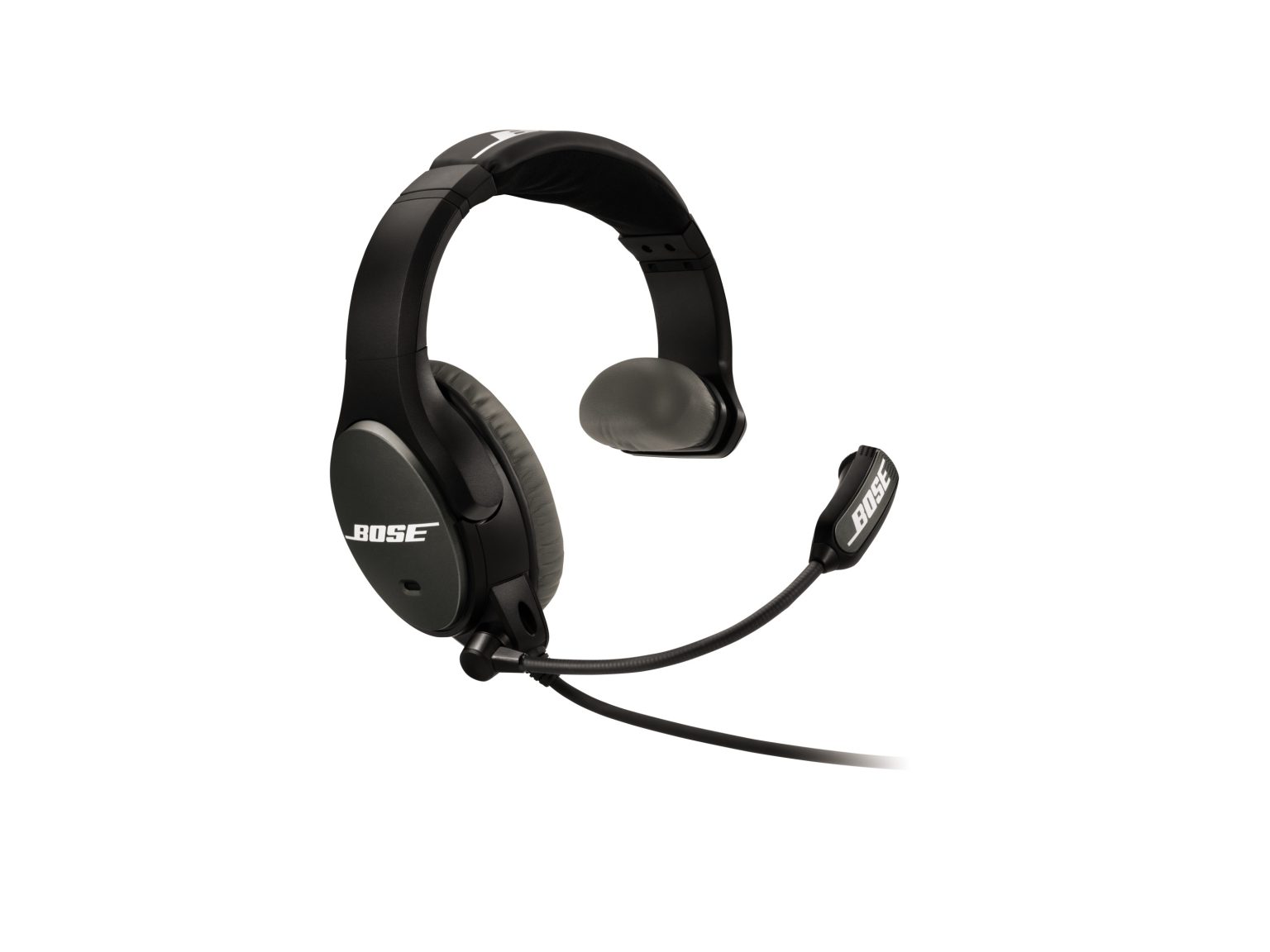
Le microphone capte trop de son | SoundComm™ B20 headset
soundcomm™-b20-headset
SoundComm™ B20 headsetVendu à partir de 2015 - 2016

Le microphone capte trop de son | SoundComm™ B20 headset

Check the position of the microphone.

Microphone placement is important for clear communication. With the headset on your head, make these adjustments:
  1. Grasp the boom with your fingers and move the microphone so it is level with your mouth
  2. Position the microphone a 1/2" from your mouth with the Bose logo facing away from your mouth
Note: If speaking at elevated volume, the mic might need to be moved further from the lips to avoid distortion. As the mic is moved farther away, more background noise will be picked up by the mic. For clearest communication, the steps above are recommended while using a normal speaking voice.

Assurez-vous que l'interphone est correctement configuré.

Si l'interphone n'est pas correctement configuré pour une utilisation avec le casque, le niveau sonore et la qualité ne peuvent pas être affectés. Pour plus d'informations, reportez-vous à la section Configuration des paramètres de gain de l'interphone du casque.

Turn off the Acoustic Noise Reduction.

In high-noise environments or when speaking too loudly into the microphone, sound passing through the microphone can become distorted since the signal is also boosted by the active electronics in the headset

Turn off the power switch to disable ANR and use the headset passively. If the issue is resolved, use the headset passively until volume levels near the microphone are reduced

Branchez une autre paire d'écouteurs.

Connectez un autre casque à l'appareil audio pour déterminer si le problème vient de l'appareil ou de ses réglages.

Est-ce que cela a été utile ?

YES
NO
COMMENCER LA RÉPARATION OU LE REMPLACEMENT