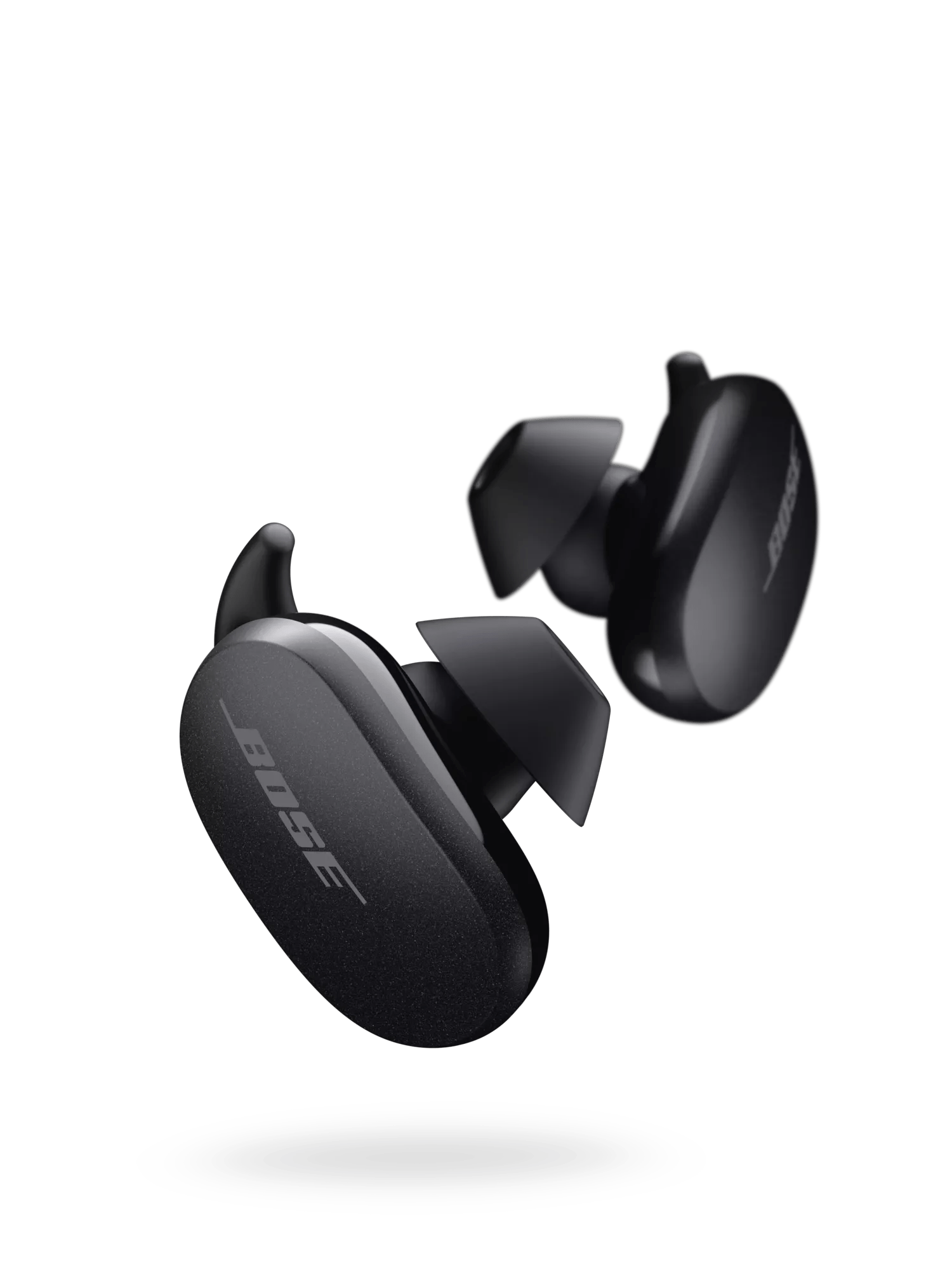
No audio from earbuds | Bose QuietComfort® Earbuds (2020)
Vérifiez que vous portez bien les écouteurs.
Try different media, apps, or devices.
Play audio from a different app, media source, or personal device (such as a phone, tablet, or computer) to determine if the issue is related to a specific source. If the issue is with a particular source or device, check its settings.
Redémarrez votre appareil personnel.
Redémarrez votre appareil (smartphone, tablette ou ordinateur) en l’éteignant pendant 30 secondes, puis en le rallumant pour résoudre tout problème temporaire de Bluetooth ou audio.
Try resyncing the earbuds and charging case
- Open the charging case and check for any debris or damage to ensure a proper connection.
- Place the earbuds in the charging case. The earbuds' LEDs should blink or light up.
- Close the case for 5 seconds, then reopen it and wait for the earbuds' LEDs to light up.
- Remove the earbuds from the case and place them in your ears.
Reset your earbuds:
This reset will clear the earbuds' memory of connected personal devices (phone, tablet, computer).
- Connect the charging case to USB power.
- Place the earbuds in the case.
- Close the lid for 5 seconds, then open it.
- Press and hold the Bluetooth button for 30 seconds until the LEDs blink, glow white, and then blink blue.
- On your personal device, remove the earbuds from the Bluetooth menu.
- Reconnect your earbuds. For more details, see Connecting a Bluetooth device.
Vos écouteurs doivent être remplacés.
Si les étapes ci-dessus n'ont pas résolu votre problème, vos écouteurs doivent être remplacés. Cliquez sur DÉMARRER UNE RÉPARATION OU UN REMPLACEMENT ci-dessous pour lancer la procédure en ligne — le moyen le plus rapide et le plus simple d'obtenir de l'assistance.
