Est-ce que cela a été utile ?
Réinitialiser votre produit | Bose Portable Smart Speaker
Voulez-vous réinitialiser votre produit ou rétablir ses paramètres d'origine ?
- Réinitialiser: Une réinitialisation corrige les erreurs mineures du processeur. Sauf indication contraire, les paramètres du produit ne sont pas affectés lors d'une réinitialisation.
- Restaurer les paramètres d'usine: Cette opération réinitialise votre produit à sa configuration d'usine par défaut. Sauf indication contraire, tous les paramètres sont effacés et remis dans leur état d'origine, comme lorsqu'il est sorti de la boîte. Par la suite, votre produit peut être configuré comme s'il était installé pour la première fois.
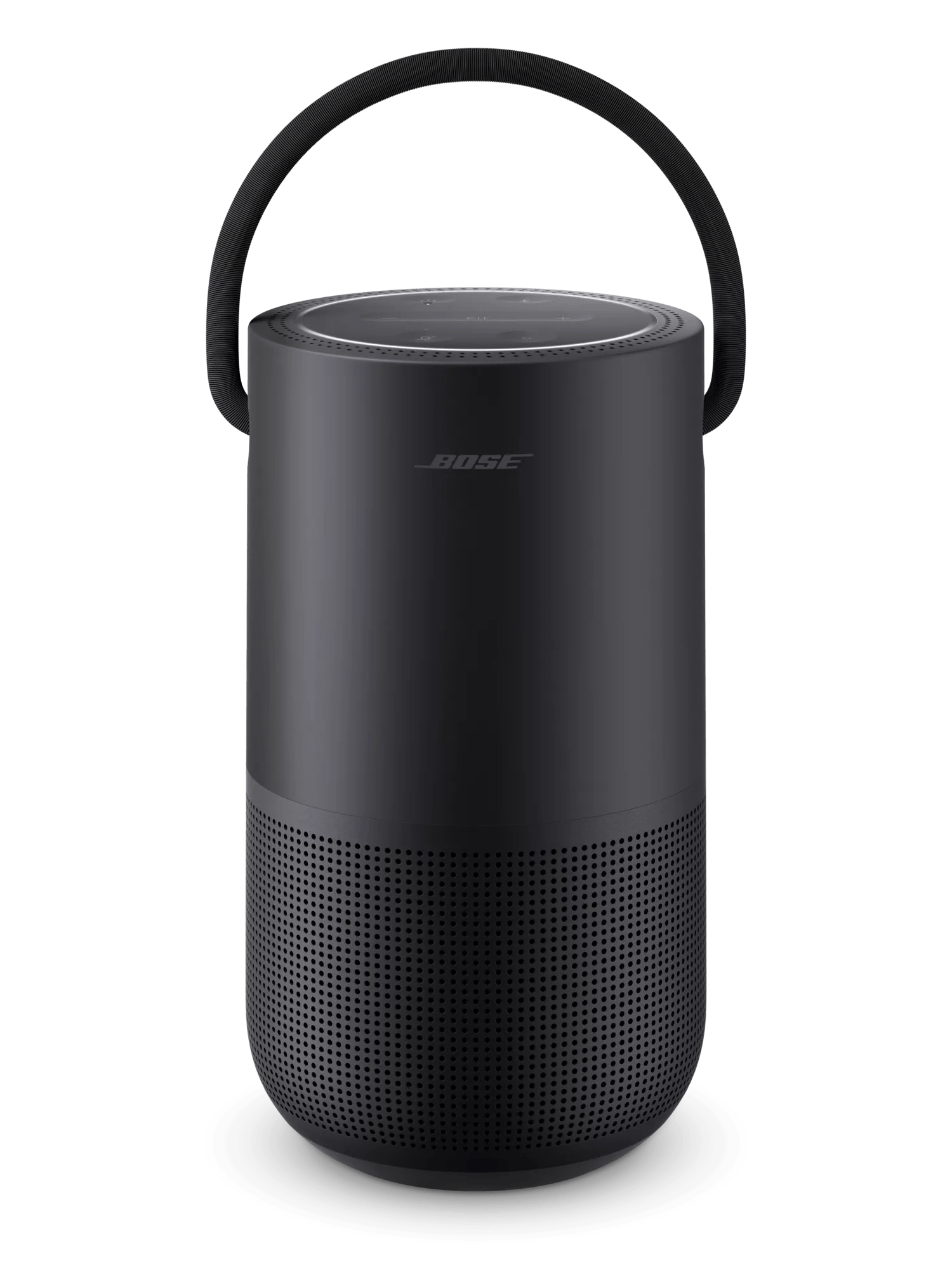
Réinitialisez votre haut-parleur.
Avant d'effectuer une réinitialisation aux paramètres d'usine, avez-vous configuré un assistant vocal pour votre produit ?
Non, aucun assistant vocal n'a été ajouté
To restore the factory default settings:
- Remove the product from your Bose account. For more info, see Removing a product from your Bose account
- Connect the speaker to power. If pulsing white lights appear in the light ring, wait for the pulsing to stop before proceeding
- Simultaneously press and hold the Bluetooth® and Volume + buttons for ten seconds until the light ring is filled with white light.
The light ring will blink twice and the speaker will reboot. When complete, two amber lights glows steadily in the light ring indicating the speaker is in setup mode.
Oui, Alexa a été ajouté
To restore the factory default settings:
- In the Amazon Alexa app, go to Devices > Echo & Alexa and select your Bose product to view its details
- Scroll down and tap Deregister
Tip: If your product appears more than once, remove all instances of it - If you do not plan to use other Bose product with your Amazon account after the reset, view the installed Skills in the Alexa app and remove the Bose skill
- Open the Bose app and remove Alexa from your Bose account. For more info, see Adding or removing the Amazon Alexa voice assistant
- Remove the product from your Bose account. For more info, see Removing a product from your Bose account
- Connect the speaker to power. If pulsing white lights appear in the light ring, wait for the pulsing to stop before proceeding
- Simultaneously press and hold the Bluetooth® and Volume + buttons for ten seconds until the light ring is filled with white light.
The light ring will blink twice and the speaker will reboot. When complete, two amber lights glow steadily in the light ring indicating the speaker is in setup mode.
Oui, l'Assistant Google a bien été ajouté
To restore the factory default settings:
- Open the Bose app and remove the Google Assistant from your Bose account. For more info, see Adding or removing Google Assistant
- Remove the product from your Bose account. For more info, see Removing a product from your Bose account
- Connect the speaker to power. If pulsing white lights appear in the light ring, wait for the pulsing to stop before proceeding
- Simultaneously press and hold the Bluetooth® and Volume + buttons for ten seconds until the light ring is filled with white light.
The light ring will blink twice and the speaker will reboot. When complete, two amber lights glows steadily in the light ring indicating the speaker is in setup mode.