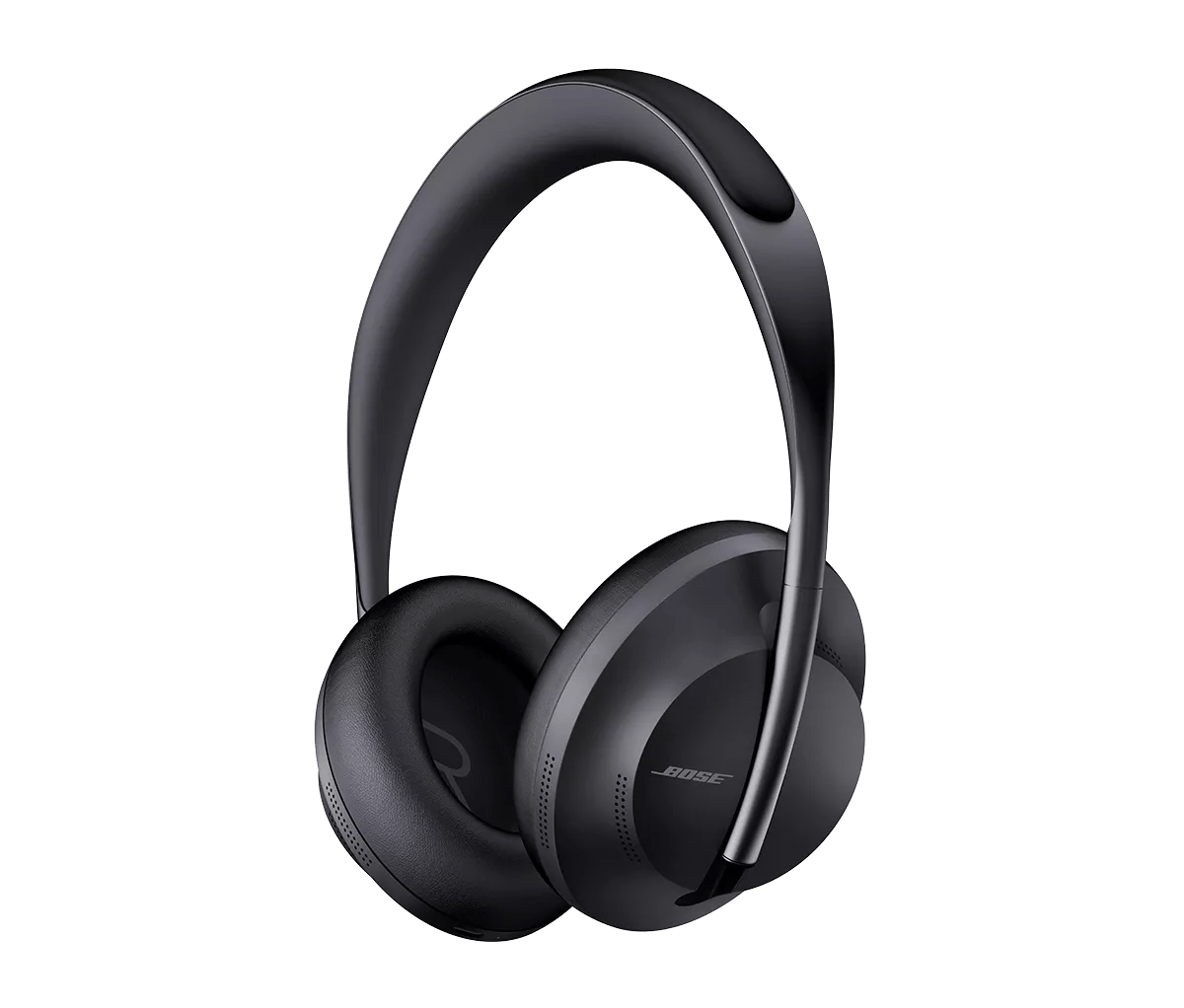
Le voyant d'état de la batterie clignote en rouge et blanc | Bose Noise Cancelling Headphones 700
Essayez de charger votre produit pendant quelques minutes.
Mettez à jour le micrologiciel de votre produit
Mettre à jour le firmware de vos écouteurs permettra de résoudre le problème de la lumière rouge et blanche, et vos écouteurs pourraient fonctionner normalement après la mise à jour. Visitez btu.bose.com et suivez les instructions pour mettre à jour vos écouteurs. Pour plus d'informations sur la mise à jour de votre produit, consultez Mise à jour du logiciel ou du firmware de votre produit.
Vérifiez et installez les mises à jour disponibles pour le produit.
Show the customer how to send Bose Log information from their product
If a customer is still experiencing this issue, Bose would like to collect some information in order to understand what is happening with the product. Please have the customer connect their product to a computer and perform the following actions:

- Go to BTU.Bose.com
- Follow the on-screen instructions. The website will ask to download the updater if its not already installed and running in the background.
- Click "Launch" or "Download." If this is the first time the customer is using the updater, click "Download" and then launch the updater
- Once connected, the updater will detect the Bose product. It will say they are up to date
- Once on this screen press ‘a’,’ d’, ’v’, ‘up arrow’, ‘down arrow’ on the keyboard. Customer has entered ‘advanced mode’ and other options will appear on screen
- Select "System Information" > "Send to Bose"