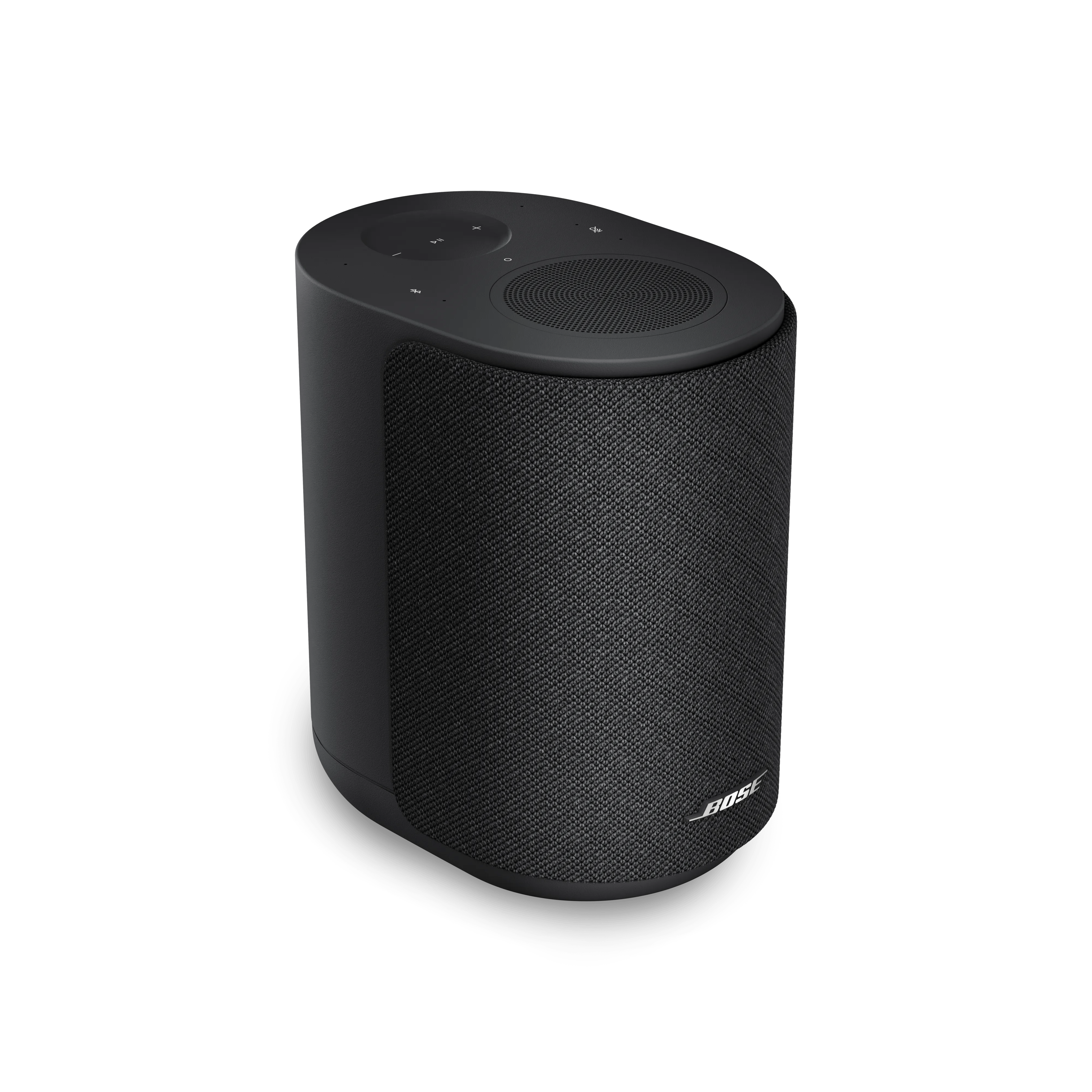
Connexion Bluetooth perdue | Bose Lifestyle Ultra Speaker
bose-lifestyle-ultra-speaker
Enceinte Bose Lifestyle UltraVendu Ă  partir de 2026

Connexion Bluetooth perdue | Bose Lifestyle Ultra Speaker

Be sure your Bluetooth device is within 30 feet (9 meters) of the speaker.

Distance and obstacles like walls, doors, or other electronics can weaken the Bluetooth signal. If you're having trouble, try moving your Bluetooth device closer to the speaker, and away from other wireless devices that may cause interference.

RedĂ©marrez l'appareil Bluetooth auquel vous ĂȘtes connectĂ©.

Il peut parfois ĂȘtre nĂ©cessaire de RESET l'Ă©lectronique pour corriger des problĂšmes mineurs. Cela se fait gĂ©nĂ©ralement en Ă©teignant l'appareil, puis en le rallumant.

Si l'appareil est connecté à un ordinateur Windows, vérifiez les paramÚtres de gestion de l'alimentation de l'adaptateur Bluetooth.

  1. Sur l'ordinateur, cliquez sur le menu Démarrer et commencez à taper gestionnaire de périphériques.
  2. Cliquez sur Gestionnaire de périphériques dans les résultats de recherche pour l'ouvrir.
  3. Cliquez sur la > flÚche à cÎté de Bluetooth pour développer la section.
  4. Faites un clic droit sur votre adaptateur Bluetooth et sélectionnez Propriétés.
  5. Cliquez sur l’onglet Gestion de l’alimentation et dïżœïżœcochez la case Autoriser l’ordinateur Ă  Ă©teindre cet appareil pour Ă©conomiser de l’énergie.
  6. Redémarrez votre ordinateur et réessayez.

Remove your speaker from the memory of the Bluetooth device being connected, then try again.

  1. In the Bose app ic on, tap the Source button. If this button is not shown, tap the product control icon icon in the lower-left corner.
    If you have more than one Bose product, tap the products icon icon in upper-left corner, select your speaker, then tap the Source button.
  2. Select Bluetooth.
  3. Select Edit in the upper-right corner.
  4. Tap on the X of the device to be removed.
  5. Select Disconnect & Remove to confirm the removal.
  6. Click + so the speaker can be found by to device you are trying to connect.

Remove your speaker from the memory of the Bluetooth device being connected, then connect it again.

  1. In the Bluetooth settings menu of your device, find the list of previously connected device.
  2. Remove the Bose speaker from the list, including any listings of the same name beginning with the "LE-".
  3. In the list of available/other devices, select Bose LS Ultra Speaker, or the name you gave the speaker during its initial setup.

Pour réinitialiser votre enceinte :

Débranchez l'enceinte de la prise électrique secteur (AC), patientez 30 secondes, puis rebranchez-la.

La rĂ©initialisation est terminĂ©e lorsque l'enceinte s’allume et que le voyant d’état clignote lentement en blanc.

Vérifiez les Sources d'interférence.

Les appareils Ă©lectroniques peuvent subir des interfĂ©rences provenant d'autres appareils Ă©lectroniques branchĂ©s sur le mĂȘme circuit Ă©lectrique ou situĂ©s Ă  proximitĂ©. Essayez de dĂ©brancher le cordon d'alimentation de ces appareils proches (par exemple, chargeur d'ordinateur portable/tĂ©lĂ©phone, tĂ©lĂ©vision, rĂ©cepteur cĂąble, guirlandes lumineuses saisonniĂšres, micro-ondes, etc.). Si le problĂšme est rĂ©solu, essayez de brancher l'appareil ou votre produit sur un autre circuit Ă©lectrique ou Ă  une plus grande distance.

Est-ce que cela a été utile ?

YES
NO
COMMENCER LA RÉPARATION OU LE REMPLACEMENT