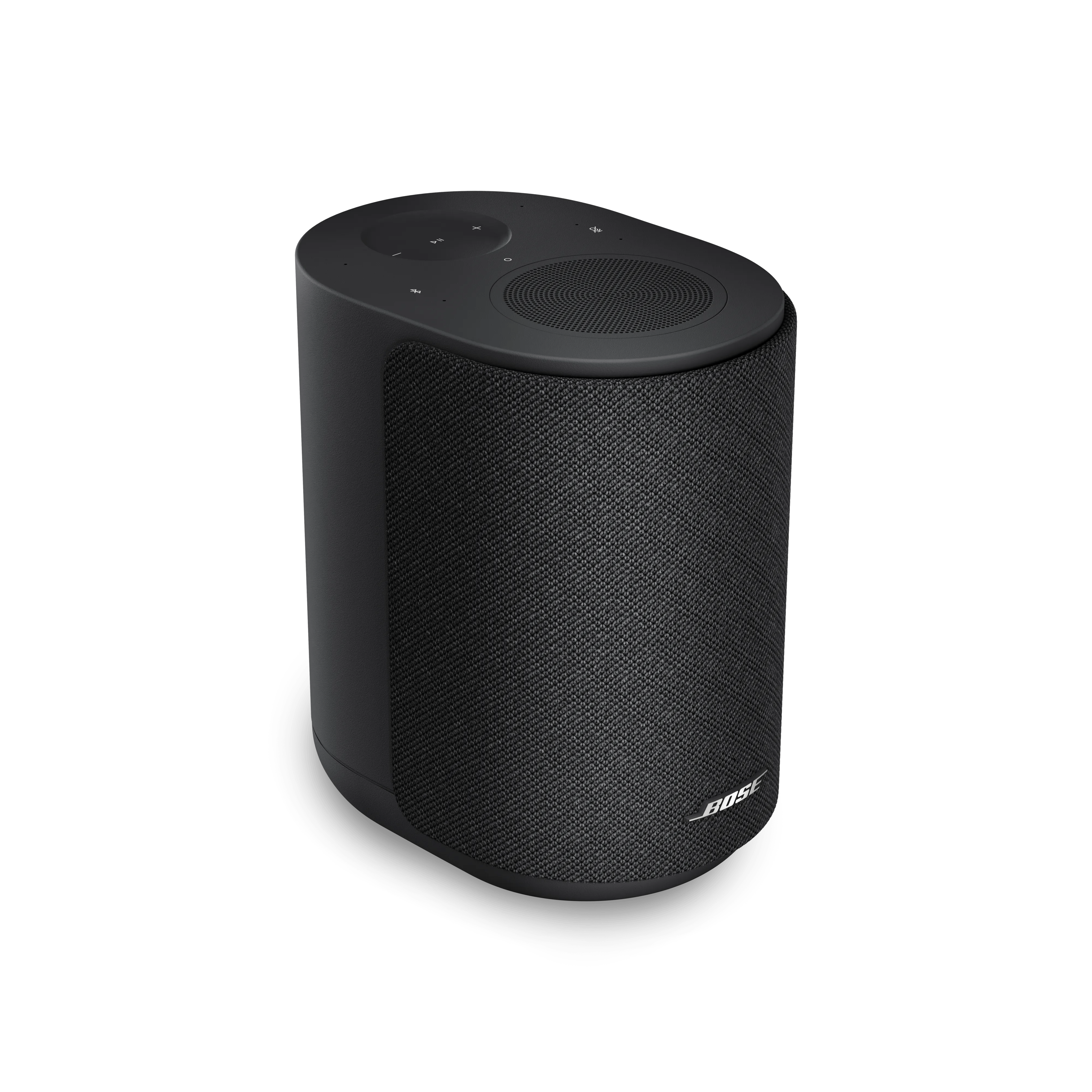
Artefacts audio | Bose Lifestyle Ultra Speaker
bose-lifestyle-ultra-speaker
Enceinte Bose Lifestyle UltraVendu Ă  partir de 2026

Artefacts audio | Bose Lifestyle Ultra Speaker

Pour réinitialiser votre enceinte :

Débranchez l'enceinte de la prise électrique secteur (AC), patientez 30 secondes, puis rebranchez-la.

La rĂ©initialisation est terminĂ©e lorsque l'enceinte s’allume et que le voyant d’état clignote lentement en blanc.

Redémarrez l'appareil BluetoothŸ.

Les appareils Ă©lectroniques, comme les tĂ©lĂ©phones portables, les tablettes ou les ordinateurs, doivent parfois ĂȘtre redĂ©marrĂ©s pour rĂ©soudre de petits problĂšmes. Cela se fait en gĂ©nĂ©ral en Ă©teignant l'appareil, puis en le rallumant.

Determine whether the issue is with the speaker or your source device

Before troubleshooting further, confirm that the issue is with your speaker—not your phone or other Bluetooth device.

  • Keep the speaker within 33 feet (10 meters) of your device. If you hear distorted, choppy, or intermittent audio, move the speaker closer to the connected device. Walls, doors, appliances, and other wireless equipment can reduce Bluetooth range and impact performance.
  • Check your phone's signal (for call issues)
    If you're only having trouble during phone calls, check your phone's signal strength. Turning on Wi-Fi calling while connected to your home Wi-Fi can help. Or, wait until you have a better signal and try again.
  • Reduce wireless interference
    Other nearby wireless devices may interfere with your Bluetooth connection. Try turning off other devices one at a time to see if things improve. If that helps, try moving either your earbuds or the device to a different location.
  • Try a different app
    If the issue only happens in one app, try using another to see if the problem persists. Some apps may handle audio differently or have their own settings that affect playback quality.
  • Try playing audio that is stored locally
    If the audio is stored on the device, that can rule out a connection or buffering issue.
  • Try a different Bluetooth device
    If the problem continues, connect the speaker to another Bluetooth-enabled device. This can help determine whether the issue is with the original device or the speaker itself.

Static or Distortion

If you are hearing static or distortion through your speaker, try the following steps. These issues are often caused by environmental interference or device settings and can frequently be resolved with a few adjustments:

  • Check for nearby electronic devices that may cause wireless interference.
    Some electronics that operate on the 2.4 GHz frequency can interfere with Bluetooth signals and introduce static or distortion. Common sources include:

    • 2.4 GHz Wi-Fi routers
    • Cordless phones
    • Wireless speaker adapters
    • Home security motion sensors
    • Fluorescent lighting
    • Microwave ovens
    • Wireless mice and keyboards

    Try disconnecting or turning off these devices one at a time and check if the issue improves. If so, consider relocating your speaker or the source of the interference to improve performance.

  • Check and adjust audio settings on your connected device.
    Many smartphones, tablets, and computers have built-in audio enhancements like Bass Boost, Treble, or Loudness settings. These can sometimes conflict with your speaker’s audio processing.
    Go to your device’s sound settings and either turn off these features or set them to a neutral position. This allows your earbuds to apply their own optimized sound profile without interference.

  • Be sure the bass and treble adjustments in the Bose app are not set too high or too low for your preferences. For more info, see Using the Equalizer settings.
    If needed, you can make small, gradual adjustments afterward to fine-tune your audio experience.

Your speaker needs service.

If the steps above did not resolve your issue, your speaker needs to be repaired or replaced. Click START A REPAIR OR REPLACEMENT below to begin the process online — the fastest and easiest way to get service.

Est-ce que cela a été utile ?

YES
NO
COMMENCER LA RÉPARATION OU LE REMPLACEMENT