Difficulty using the Speaker Link Feature | SoundLink Max Portable Speaker
bose-soundlink-max-portable-speaker
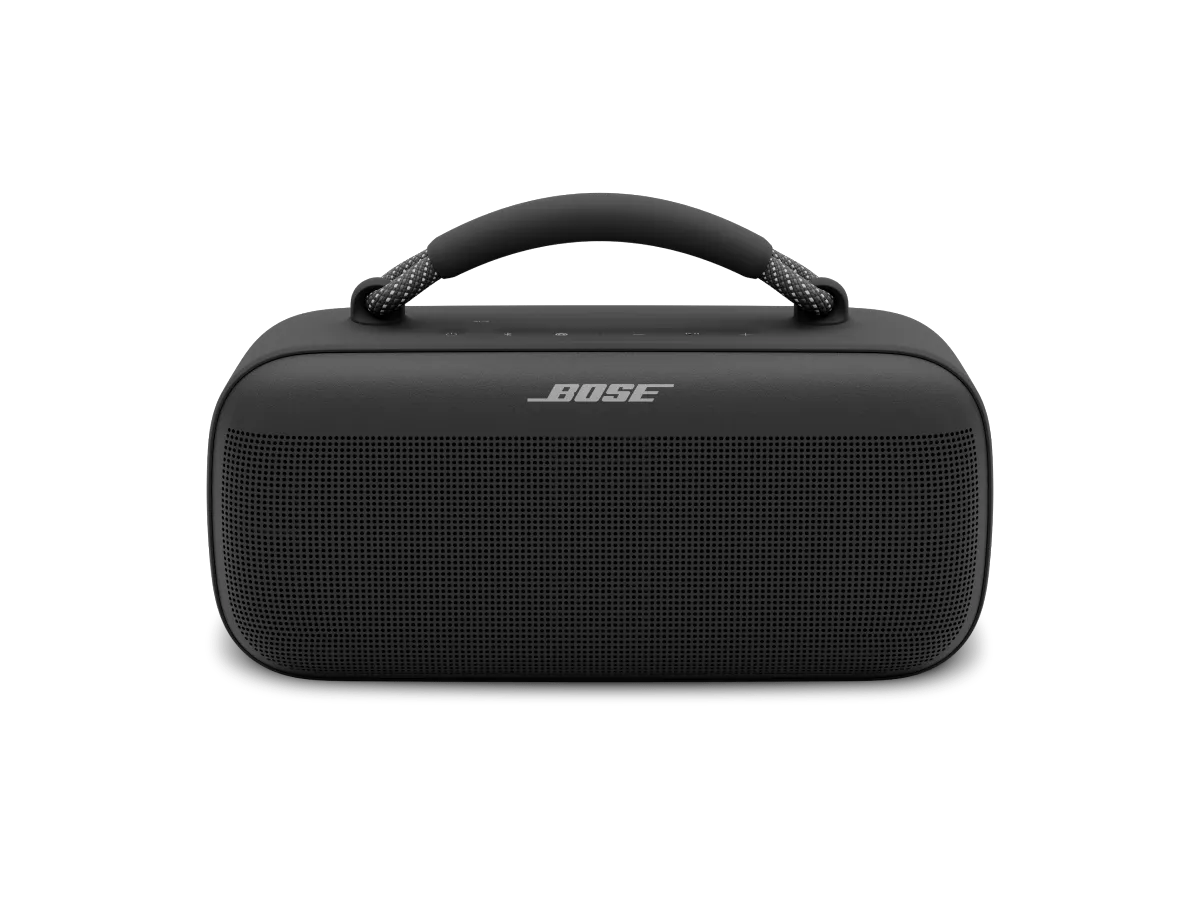
Enceinte portable Bose SoundLink MaxVendu à partir de 2024

Difficulty using the Speaker Link Feature | SoundLink Max Portable Speaker

Linking is a feature available with the following speakers:

  • SoundLink Flex Portable Speaker (2nd Gen)
  • SoundLink Max Portable Speaker
  • SoundLink Micro Portable Speaker (2nd Gen)
  • SoundLink Plus Portable Speaker
Note: Stereo mode is only available between two speakers of the same model.

Ensure both Bose-app-compatible speakers are powered on and have the Speaker Link shortcut enabled.

Bose-app-compatible Bluetooth speakers can only link together by enabling the speaker link shortcut on both speakers. For more information, see Using the Shortcut Button and Linking Multiple Speakers .

If using two of the same speakers, name them differently in the Bose app.

When connecting two same-model speakers, give them different names to help distinguish between the two. For more info, see Renaming a product.

Check for and install any available product updates.

For more info, see Updating your speaker.

Try moving the products further apart

If you're experiencing audio delays when linking your speakers, adjusting the distance between them can help improve interference and synchronization. Keep them within Bluetooth range, which is about 33 feet (10 meters). However, this range can be reduced by walls, metal objects, doors, or other Bluetooth devices in the area.

Réinitialiser l’enceinte SoundLink Flex

Si l'enceinte est allumée ou ne répond plus, vous pouvez la réinitialiser.
La réinitialisation de l'enceinte réinitialise les commandes du produit et redémarre l'enceinte. Cela n'efface aucun paramètre de l'appareil.
REMARQUEa: Assurez-vous que le câble USB-C n'est pas connecté à l'enceinte.
  1. Appuyez sur le bouton d'alimentation et maintenez-le enfoncé pendant 15 secondes jusqu'à ce que l'enceinte s'éteigne.
  2. L'enceinte va redémarrer automatiquement.

Rétablir les paramètres d'usine de votre enceinte.

Si l’enceinte est allumée ou ne répond plus, vous pouvez effectuer une réinitialisation des paramètres d’usine.
La réinitialisation des paramètres d’usine efface les appareils connectés et les paramètres de langue de l’enceinte et la rétablit aux paramètres d’usine d’origine (y compris l’égaliseur et le raccourci personnalisé).
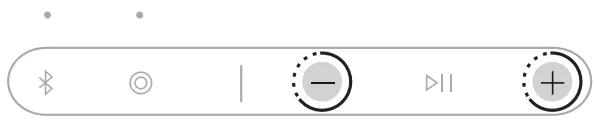
  1. Appuyez simultanément sur les boutons Volume plus (+) et Volume moins (–) - pendant 15 secondes jusqu’à ce que le voyant d’alimentation clignote rapidement en blanc pendant 3 secondes
    Factory Reset
    L’enceinte s’éteint.
  2. Appuyez sur le bouton d’alimentation .
    Le voyant d’alimentation s’allume en fonction du niveau de la batterie. Le voyant Bluetooth clignote lentement en bleu, et vous entendez « Prêt à connecter. »

Votre produit nécessite une réparation

Si ces étapes ne résolvent pas votre problème, veuillez cliquer sur Démarrer la réparation ou le remplacement ci-dessous pour découvrir les options disponibles.

Est-ce que cela a été utile ?

YES
NO
COMMENCER LA RÉPARATION OU LE REMPLACEMENT