Bose utilise des cookies propriétaires et tiers ainsi que des technologies similaires pour mieux comprendre votre utilisation de notre site Web, personnaliser le contenu, vous fournir des fonctionnalités de réseaux sociaux, et vous proposer des publicités sur mesure selon vos activités de navigation. Cliquez ici pour en savoir plus.
En cliquant sur « Accepter », vous acceptez notre utilisation des cookies ci-dessus. Vous pouvez choisir de bloquer tous ou certains cookies en cliquant sur « Bloquer/Gérer les cookies ».
Bose utilise des cookies propriétaires et tiers sur son site Web pour fournir un contenu personnalisé, des publicités ciblées et des analyses. Cliquez ici pour en savoir plus.
En cliquant sur « Accepter », vous acceptez ces cookies. Vous pouvez choisir de bloquer tous ou certains cookies en cliquant sur « Bloquer/Gérer les cookies ».
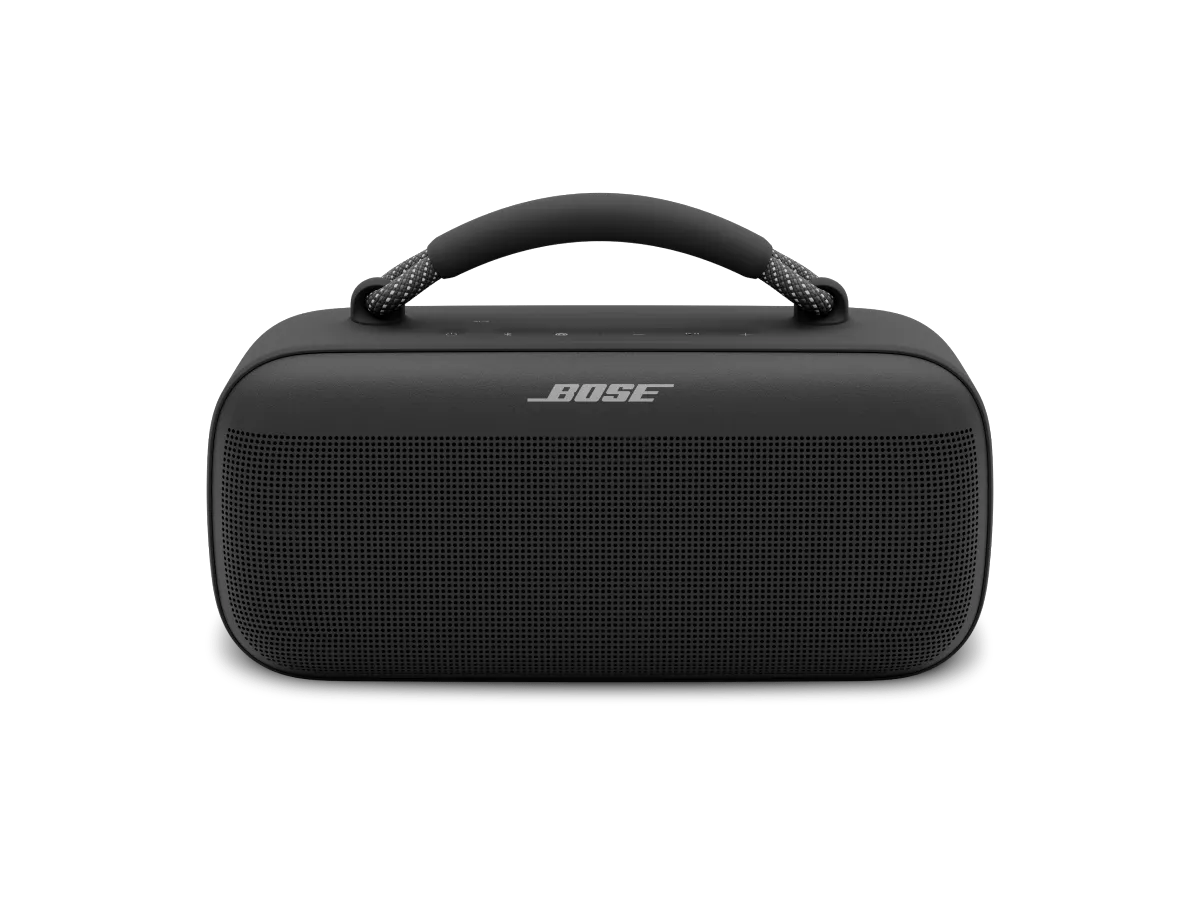


 pendant 15 secondes jusqu'à ce que l'enceinte s'éteigne.
